







 Visão geral do jogo
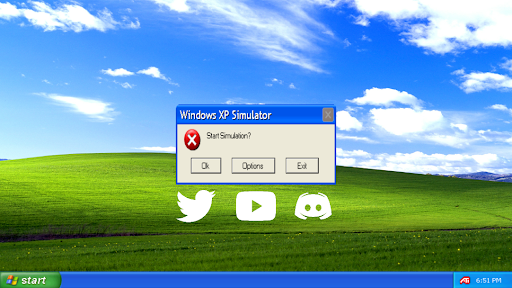
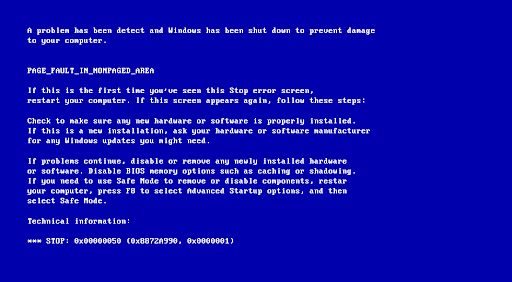
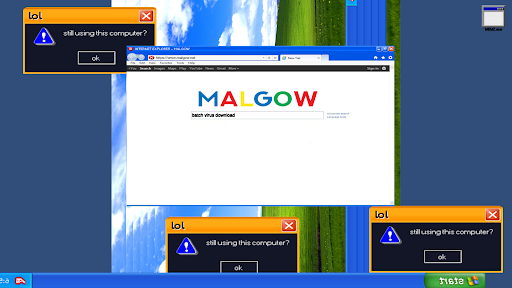
Click the "Yes" or "Ok" button to stop the simulation, you will be greeted with the Blue Screen of Death!
For more help and information, visit: http://malgow.net/WindowsXPSimulator
or, talk to me on discord!: https://discord.com/invite/gdu7dZk
"Feel as if you're using a Windows XP computer with this realistic simulator!" - MALGOW
jk
How To Play:
Opening Internet Explorer
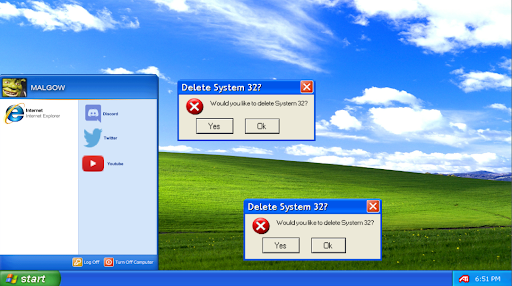
STEP 1: Click on the "Start Menu"
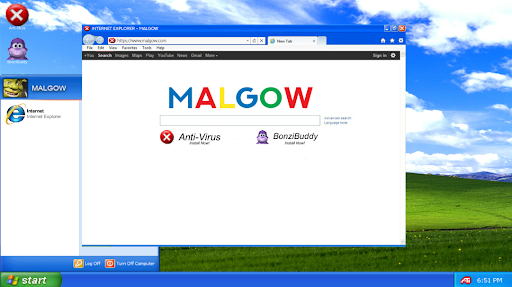
STEP 2: Click on "Internet Explorer"
STEP 3: Wait 20 Seconds for Internet Explorer to fully load up
IMPORTANT*: Do not close the start menu during this process!
STEP 4: Internet Explorer will have now opened, you can install your apps from here
STEP 5: Done!
Removing Viruses
STEP 1: Launch "Anti Virus" after installing it from Internet Explorer
STEP 2: Wait 30 Seconds*
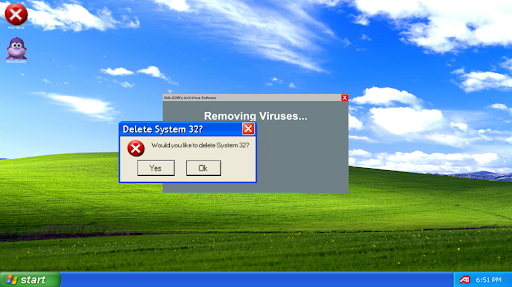
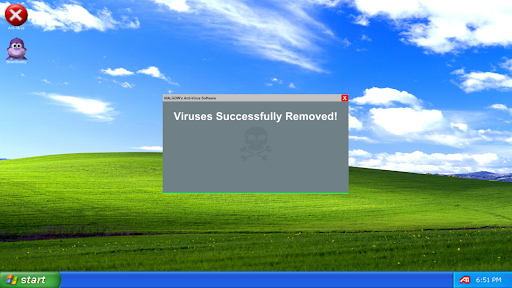
STEP 3: The Anti Virus software will now display "Viruses Successfully Removed"
STEP 4: Done!
Using Bonzi Buddy
STEP 1: Launch "Bonzi Buddy" after installing it from Internet Explorer
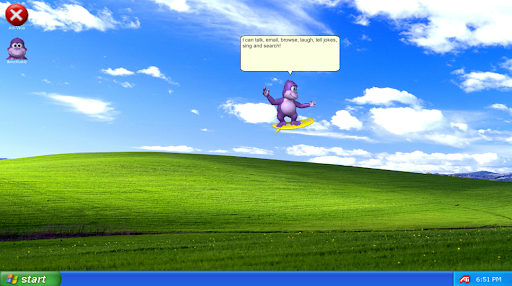
STEP 2: Bonzi Buddy will begin with a short introduction of himself
STEP 3: He will then tell a few (bad) jokes
STEP 4: Done!
First Easter Egg
STEP 1: Click and open the Start Menu
STEP 2: Click my profile image or name ten times
STEP 3: The first easter egg will now begin
STEP 4: Done!
or, talk to me on discord!: https://discord.com/invite/gdu7dZk
"Feel as if you're using a Windows XP computer with this realistic simulator!" - MALGOW
jk
How To Play:
Opening Internet Explorer
STEP 1: Click on the "Start Menu"
STEP 2: Click on "Internet Explorer"
STEP 3: Wait 20 Seconds for Internet Explorer to fully load up
IMPORTANT*: Do not close the start menu during this process!
STEP 4: Internet Explorer will have now opened, you can install your apps from here
STEP 5: Done!
Removing Viruses
STEP 1: Launch "Anti Virus" after installing it from Internet Explorer
STEP 2: Wait 30 Seconds*
STEP 3: The Anti Virus software will now display "Viruses Successfully Removed"
STEP 4: Done!
Using Bonzi Buddy
STEP 1: Launch "Bonzi Buddy" after installing it from Internet Explorer
STEP 2: Bonzi Buddy will begin with a short introduction of himself
STEP 3: He will then tell a few (bad) jokes
STEP 4: Done!
First Easter Egg
STEP 1: Click and open the Start Menu
STEP 2: Click my profile image or name ten times
STEP 3: The first easter egg will now begin
STEP 4: Done!

 Fale do jogo
no nosso Discord



Desenvolvedor
Mais jogos de MALGOW