







 Game overview
Please note: This is an unofficial third party application designed to input cheats into the GTA Vice City game.
The game is not included.
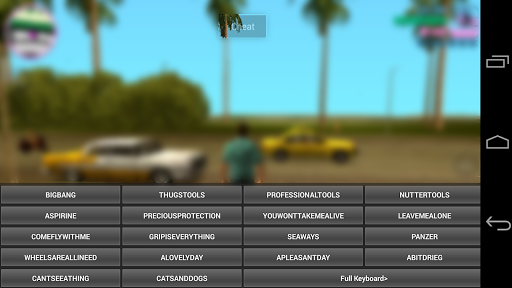
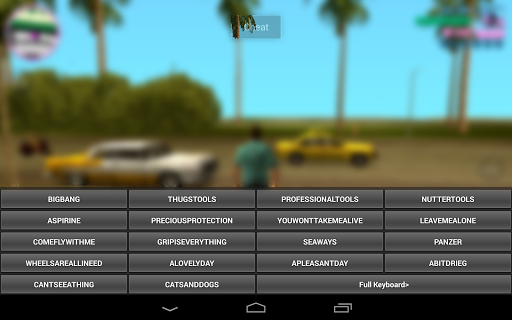
Opens up the keyboard in game and displays a list of cheats available. No need for a physical keyboard anymore, everyone can cheat.
Important: On some devices the game is unable to handle the cheats and will close often. If this happens too often for your liking you have 15 minutes to refund using the play store. To minimise this issue use the cheats just after “loading” a save not “resuming”.
Instructions
1. Open cheater app and press “Start Cheater”.
2. Start the game.
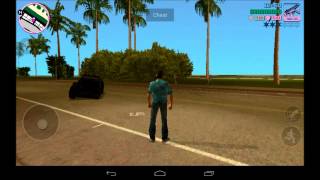
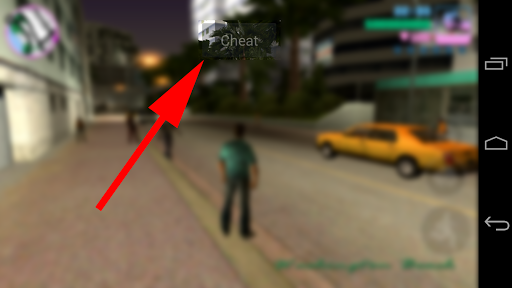
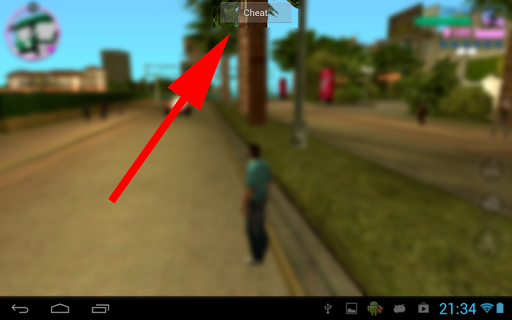
3. While in game press the new “Cheat” button at the top of the screen.
4. Find the cheat you want.
5. Enter it in the on screen keyboard that opens.
6. When you finish playing, open the cheater app again and press “Stop Cheater” to remove the “Cheat” button.
Please note: Some combinations of cheats can cause the game to close e.g. spawning too many cars in one location and using multiple weapons cheats at once.
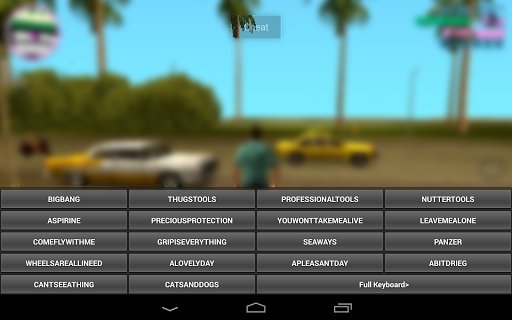
Opens up the keyboard in game and displays a list of cheats available. No need for a physical keyboard anymore, everyone can cheat.
Important: On some devices the game is unable to handle the cheats and will close often. If this happens too often for your liking you have 15 minutes to refund using the play store. To minimise this issue use the cheats just after “loading” a save not “resuming”.
Instructions
1. Open cheater app and press “Start Cheater”.
2. Start the game.
3. While in game press the new “Cheat” button at the top of the screen.
4. Find the cheat you want.
5. Enter it in the on screen keyboard that opens.
6. When you finish playing, open the cheater app again and press “Stop Cheater” to remove the “Cheat” button.
Please note: Some combinations of cheats can cause the game to close e.g. spawning too many cars in one location and using multiple weapons cheats at once.

 Discuss the game
in our Discord community



Developer
More games by Net Tech Development