Free Fire Advance Server: register, download the APK and get an activation code
Play the next Free Fire update before it goes live — how to register, claim an activation code, install the APK, and fix the errors that stop people getting in.
 Uzair Abbas· Game Guides Writer · August 8, 2026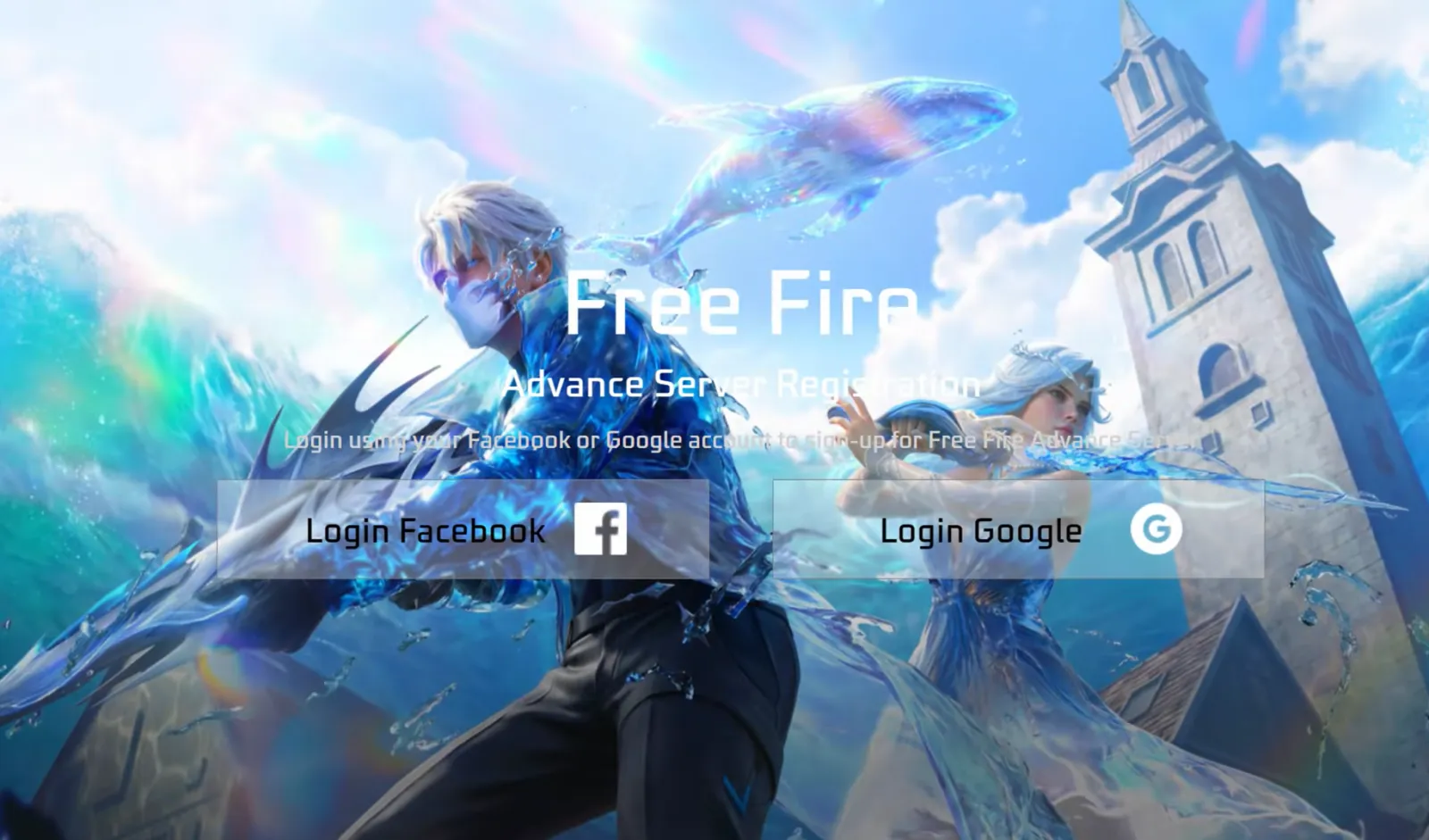
If you’re tired of playing the current Free Fire update over and over, you can try the next one before it goes live. Through the Free Fire Advance Server you can test the newest upcoming updates — new maps, weapons, characters, and anything else the developers are working on.
To play it, you need to register for the Advance Server, obtain an activation code for access, and download the Advance Server APK. This guide covers all of it, plus what you can expect once you’re inside.
What is the Free Fire Advance Server?
The Free Fire Advance Server is a separate game from the Free Fire you’re used to. In the advance version you don’t play the update that is currently live. Instead, developers frequently update the Advance Server with the content they’re working on next — new maps, weapons, characters and much more. Playing there lets you try that content before anyone else.
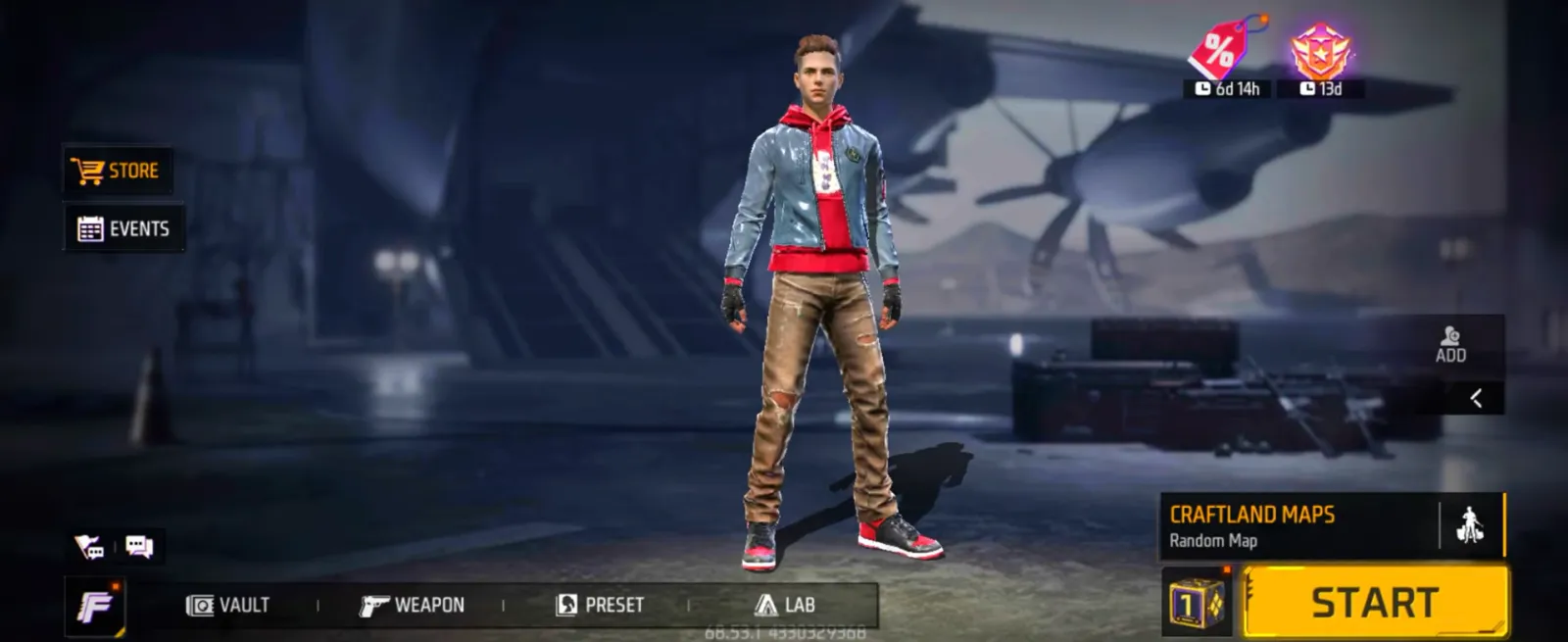
The goal is to test that new content and make sure it works properly. The developers need to see the update in action and confirm it’s stable enough for release on the live server. Your job as a player is to play a few matches, explore everything new, and check that it works as intended.
Your account progress on the Advance Server and the live server are not tied together. And if you find a bug and report it to Garena — one nobody has reported before — Garena will reward you with Free Fire diamonds as a thank you.
Who can join?
If you’re worried that only certain players can join, don’t be. Any player with a linked and verified Free Fire account can apply. Guest accounts can’t join, so if you’re playing on one, link and verify your account with Facebook or Google first.
Spots are limited, though, because Garena restricts how many players can join. iOS users are also excluded: the Advance Server can currently only be installed from an APK file, which iOS doesn’t support. If you meet the eligibility criteria, you can safely register.
How to register, step by step
To register for the Free Fire Advance Server:
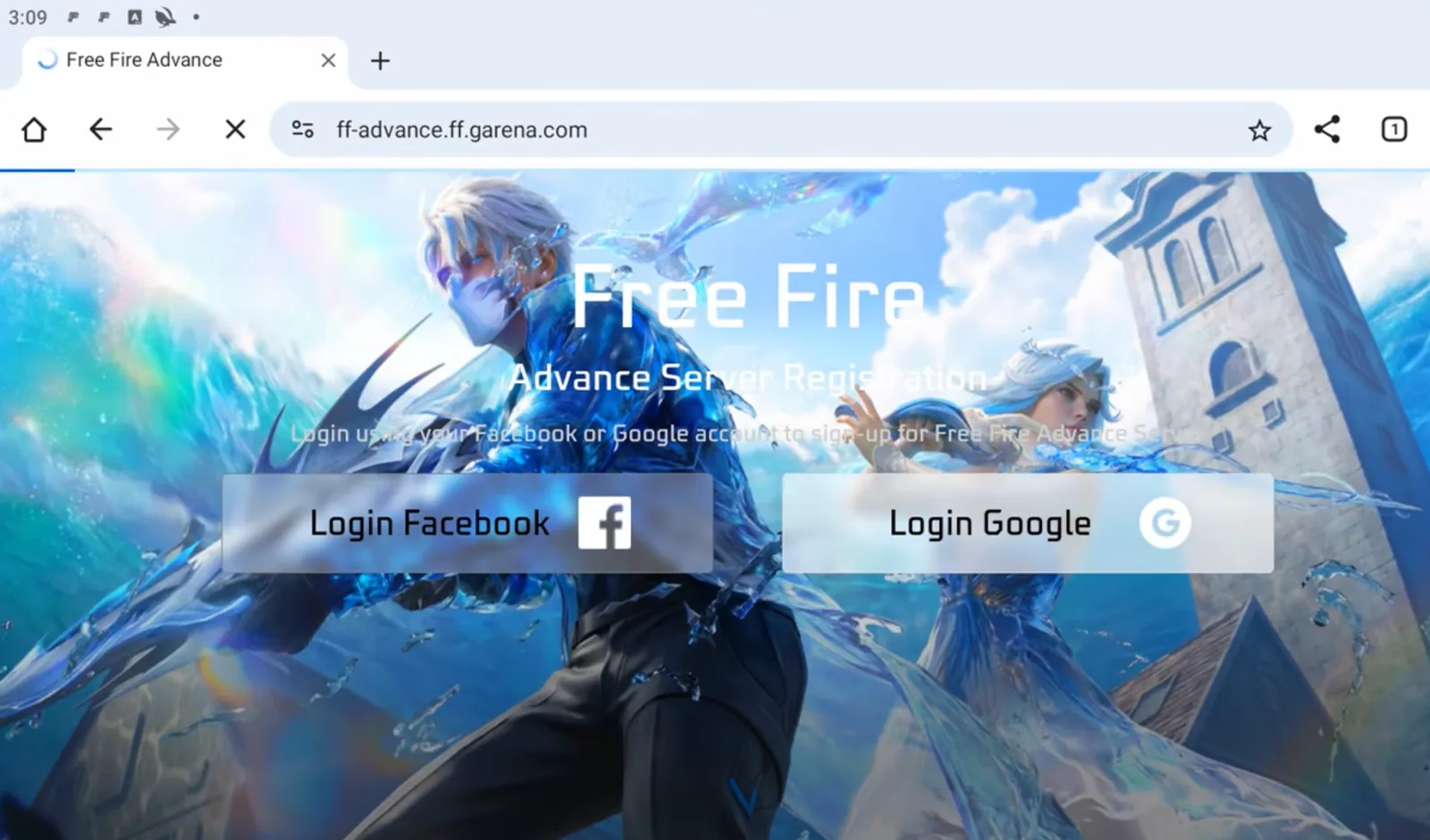
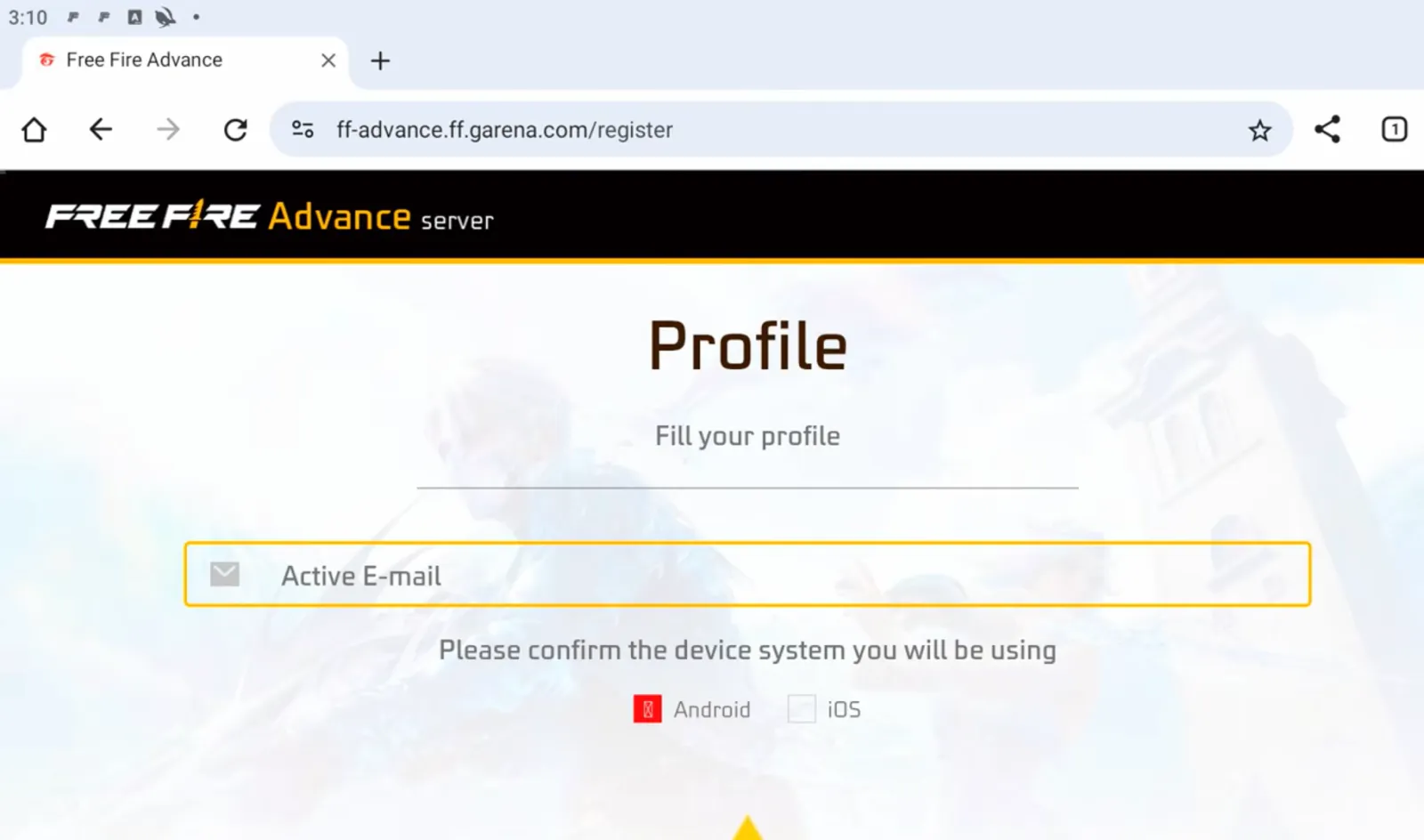
- Head over to the Free Fire Advance Server registration website. If the site isn’t working, the Advance Server isn’t open right now.
- From the registration page, sign in with your Facebook or Google account.
- On the next screen, enter your email address and click Join Now.
- If slots are available, your application will be accepted.
How to get an activation code
Because the Advance Server is only open to people who register for it, you need an activation code. Without one, you won’t be able to play even after installing the APK.
Luckily, if you’ve already registered as described above, your activation code pops up on the page immediately after registering. The code is also sent to the email address you used to register.
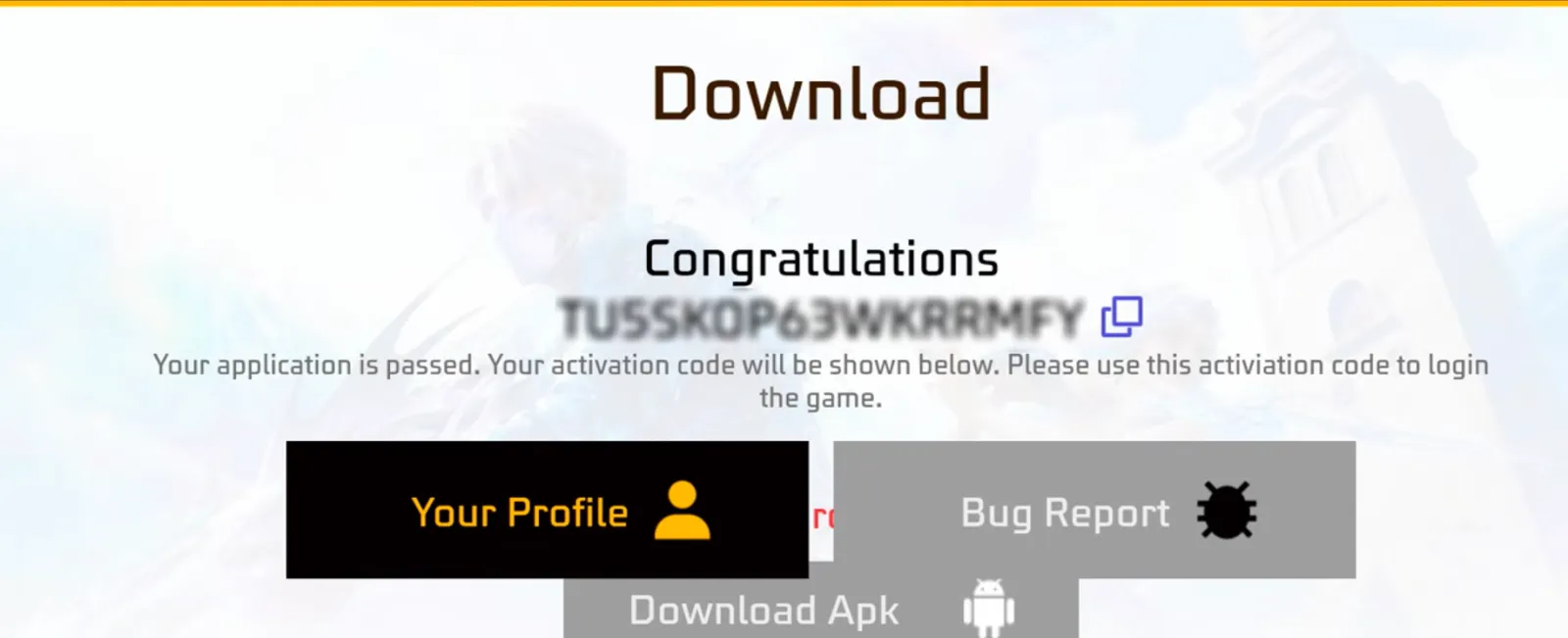
Remember that the number of activation codes is limited, and they cannot — and should not — be generated or purchased from unofficial sources.
How to download the APK
Now that you’ve registered and obtained the activation code, you need the app itself. The only official source of the Advance Server APK is the same registration page where you obtained your code. Right under the code, there’s a download button for the APK.
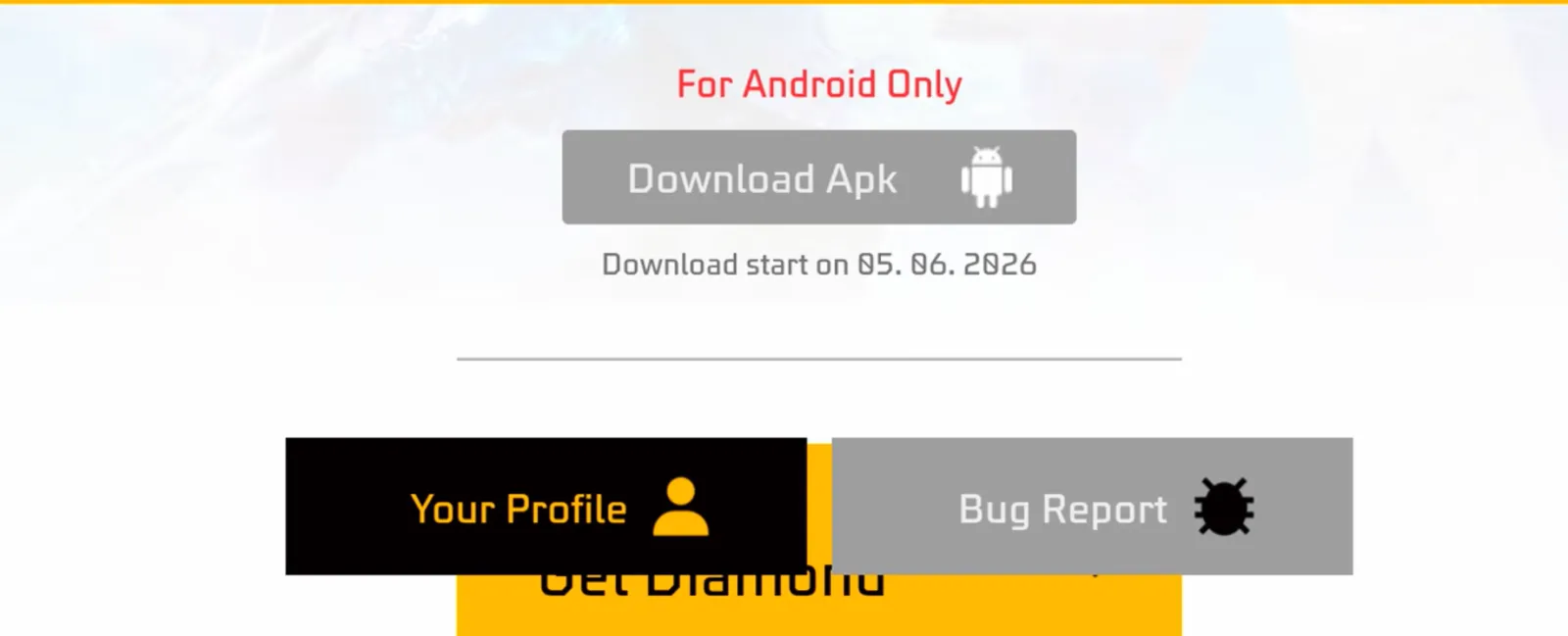
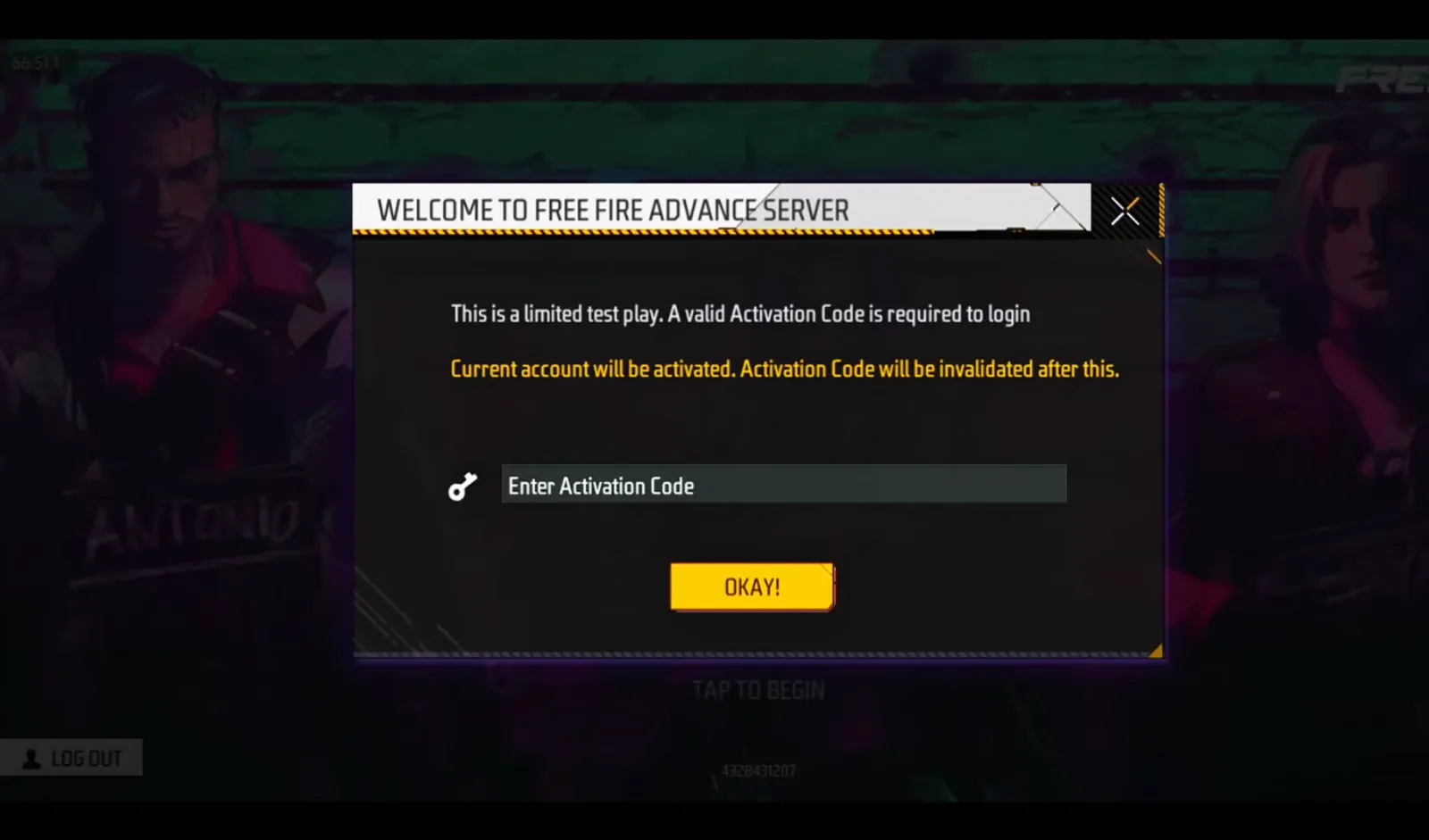
Click it and the APK will start downloading. Once it finishes, tap the file to install it. When the install completes, you can open the Advance Server app, enter your activation code, and start playing.
Common errors and fixes
Invalid activation code
Since activation codes are handed out by the developers themselves, it’s very unlikely the code you received is incorrect. Enter it again carefully. If it still shows as invalid, the code may already have been used by someone else.
The APK won’t install
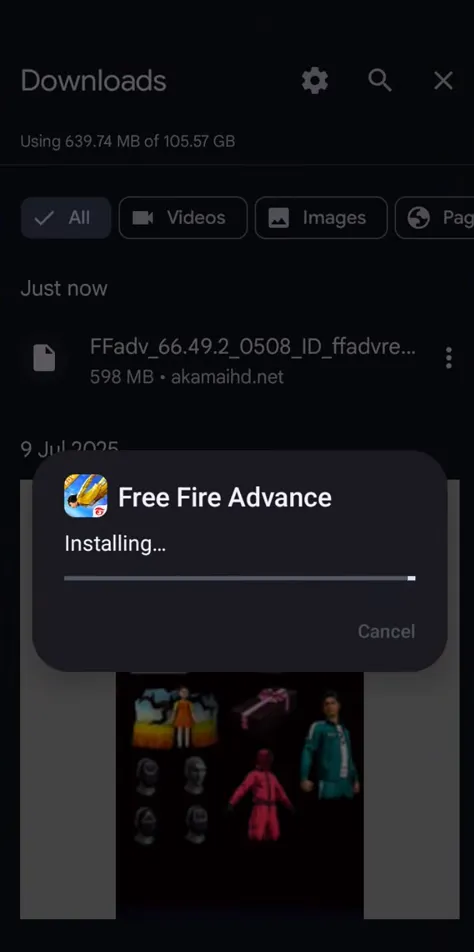
If the APK won’t install, the file you downloaded might be corrupt — try re-downloading it. If your Android device is running out of space, do some cleaning and make sure you have at least 10 GB free. Also check that you’ve granted the “Allow installs from unknown sources” permission in your Android security settings.
Login failed
The most common cause of login failure is a poor internet connection. If your network is generally weak, move somewhere with a better signal. If that doesn’t work, try a VPN. And if you still can’t get in, check whether the Advance Servers are online at all.
Server full
The number of players who can be on the Advance Server at one time is limited. If the slots are full, you’ll get a “Server Full” error. Try logging in at odd hours, when fewer people are likely to be playing, to improve your chances.
Latest Advance Server schedule
The Free Fire Advance Server isn’t open right now, and there’s been no announcement of exactly when it will open again. The live-server Free Fire OB55 update is expected to launch on 9 September.
Judging by the release timelines of previous updates, the Advance Server usually opens about two weeks before an update hits the live server. On that basis, the OB55 Advance Server will most likely open in late August 2026.
Is it safe?
The Advance Server is provided by Garena themselves, so there’s no need to worry about safety. Your game progress on the advance and live servers isn’t tied together, so you can’t lose your account. The Advance Server is simply meant to be a casual server where players try new content and give feedback.
If you want a head start on everything new, you can definitely try the Free Fire Advance Server without worrying.
Discovering other games like Free Fire
If you’re up for an experience similar to — or different from — Free Fire, take a look at Skich. Skich is a unified community of games and gamers where you’ll find a personalized selection across 240+ game categories. You can browse user-curated collections and titles from developers you already know and love, including Free Fire, and discover games like PUBG, Call of Duty: Mobile and Fortnite that play similarly.
With Skich you can also rate the games you play and keep all your favourites in one place, track your playtime and sort your library to launch anything quickly. You can add friends and other gamers too, and follow their sessions, achievements and progress from a single hub.
Frequently asked questions
Is the Free Fire Advance Server free?
Yes. Just like the game you’re already used to, the Advance Server is completely free to play. You also can’t spend money there, since the progress you make is temporary.
When does OB55 Advance Server registration open?
Registration for the OB55 update is expected to open in late August 2026. The live update goes live on 9 September 2026.
Can iOS users join the Advance Server?
No. The Advance Server is currently Android-only. Anyone claiming to have an iOS file for it is not telling the truth.
Is the Free Fire Advance Server safe to download?
Yes. The Advance Server is completely safe to download, as it’s provided and supported by Garena themselves. There are no risks associated with playing on it.
Does progress made on the Advance Server carry over to the live server?
No. Progress does not carry over. Once the Advance Server closes, everything you did there is lost.
What if I wasn’t selected during registration?
If your application was rejected, you can’t play the current session of the Advance Server. You’ll have to wait until the session for the next OB update opens.
Is buying an Advance Server activation code safe?
Buying an activation code is rarely safe. Avoid buying one from anybody who claims to have a spare.
Is the Free Fire Advance Server worth playing?
If you’re excited to try the latest content before it goes live, then yes. You can also earn Free Fire diamonds by giving the developers feedback they find useful.
Can I use an activation code more than once?
No. Once you redeem an activation code, it expires and no longer works.
Do my settings sync from the main game?
No. Whatever settings you had in the main game don’t carry over. You’ll have to re-apply them every time you download the Advance Server.
Do I need to delete the normal game to play the Advance Server?
No. Both are separate games and function independently — you can have both installed and playable at any time.
How do I get free diamonds through the Advance Server?
By finding bugs the developers weren’t aware of and reporting them. Depending on the severity of the bug, you can earn anywhere from 1,000 to 12,000 diamonds.
Uzair Abbas
A passionate gamer with 10+ years in the mobile and console gaming industry, Uzair learns games from the inside out and turns that knowledge into guides other players can actually use.







 Copied